AI assistant for small business operations
Bring CRM, tasks, contracts, email and calendar into view. Ask the assistant to find relevant context, suggest a next step and prepare an action in your workspace.
Try Foundbase with sample data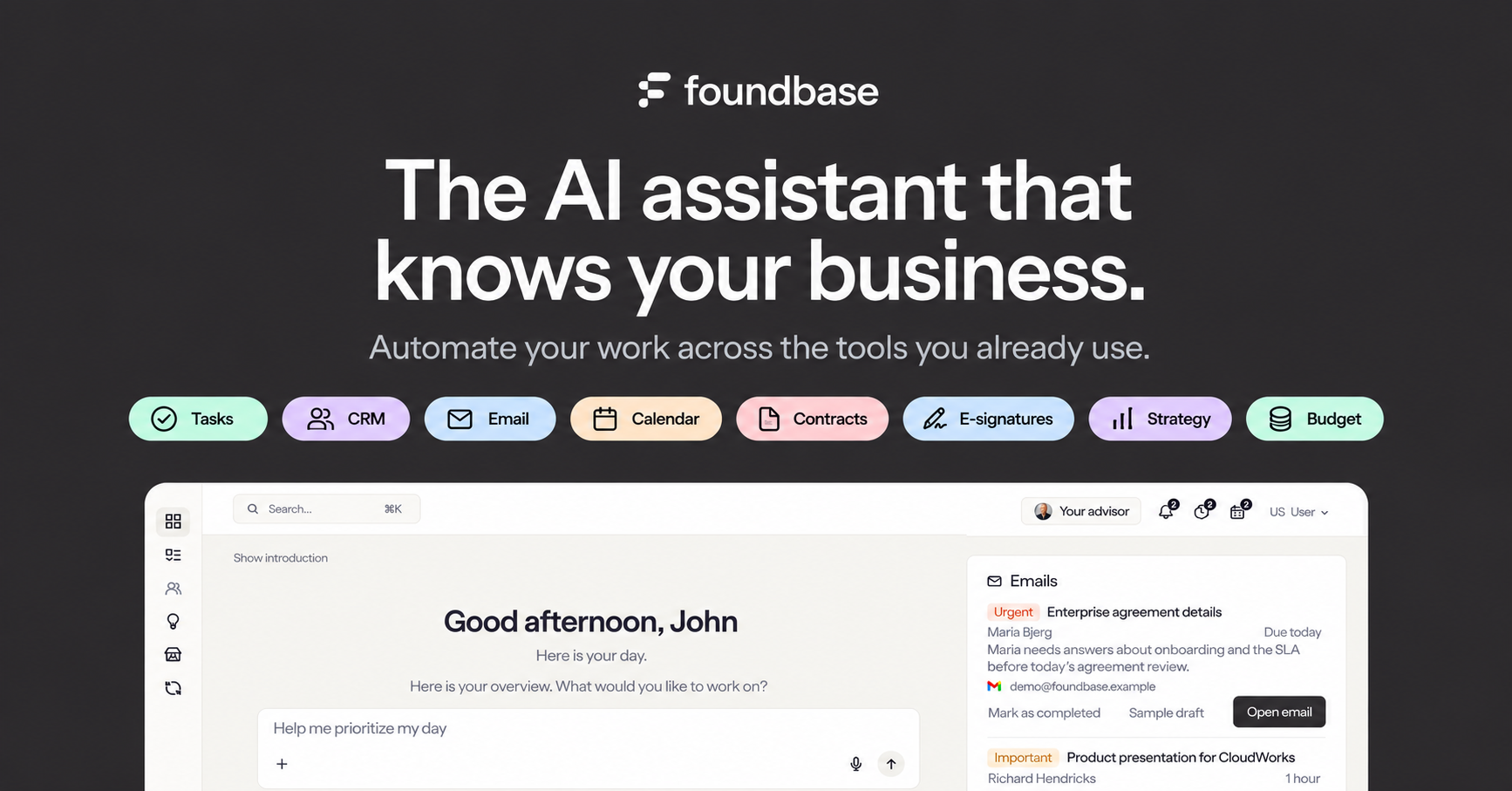
Three workflows you can try
Prioritize the day
Which tasks and follow-ups need my attention today?
Review tasks, deadlines and calendar events. Use the suggested next action to decide what to do and who owns it.
Explore task boards and listsFollow up on a deal
Show open deals with no upcoming follow-up.
Open a deal and review its history. Ask for a follow-up with an owner and due date, then check the prepared action.
See the pipeline and follow-upsPrepare an email reply
Draft a reply using the latest email and the customer agreement.
Choose the relevant thread from a connected account. Check the recipient, agreement and date before you send.
See email integration in CRM
Access and actions
The assistant works with data you can access. Connected email and calendar require Starter or above after the trial. Review drafts and actions before approving them when Foundbase asks you to.

Get started
Give your team an assistant that knows the whole business
Start free in your own workspace, or explore a live demo with sample data first.
Try Foundbase free for 14 days
- No credit card required
- Then stay on Free with CRM and task management
- Or choose a plan with unlimited AI, contracts, e-signatures, budgets, integrations and automations
See Foundbase in a live demo
Explore a workspace with sample data right away, or book a call and we'll show you the assistant and what Foundbase can do for you.



Meet the team behind Foundbase
We're based in Odense